The 18th Annual Muslim Mental Health Conference will use an online platform called Whova for our event. All conference attendees will need to use the app to check in and can access features such as a digital agenda and a variety of netowrking tools!
Here are just some of the things you can do with Whova:
- View the agenda and plan your personal schedule
- Access documents and slides shared by organizers or speakers
- Find who else is attending this event and reach out to people ahead of time
- Plan social activities such as a morning run, coffee hours, or meet-ups with fellow attendees. You can even post job openings.
- Receive updates such as last-minute session changes from the organizers
How to Access MMHC in Whova
After registering for the conference, you will receive an invitation email from a member of our team with instructions and a download link to join the 18th Annual Muslim Mental Health Conference event in Whova.
- The Whova invitation email will be sent to the email address you provided to purchase your registration
- It may take up to 5-10 business days to receive your invitation email
- Already used the Whova app in the past? Double-check that it is installed on your phone and log in using your existing account email and password.
If you need more guidance on how to use Whova to attend the event, please visit Whova User Guides or check out our FAQ Page.
Get our official event app,
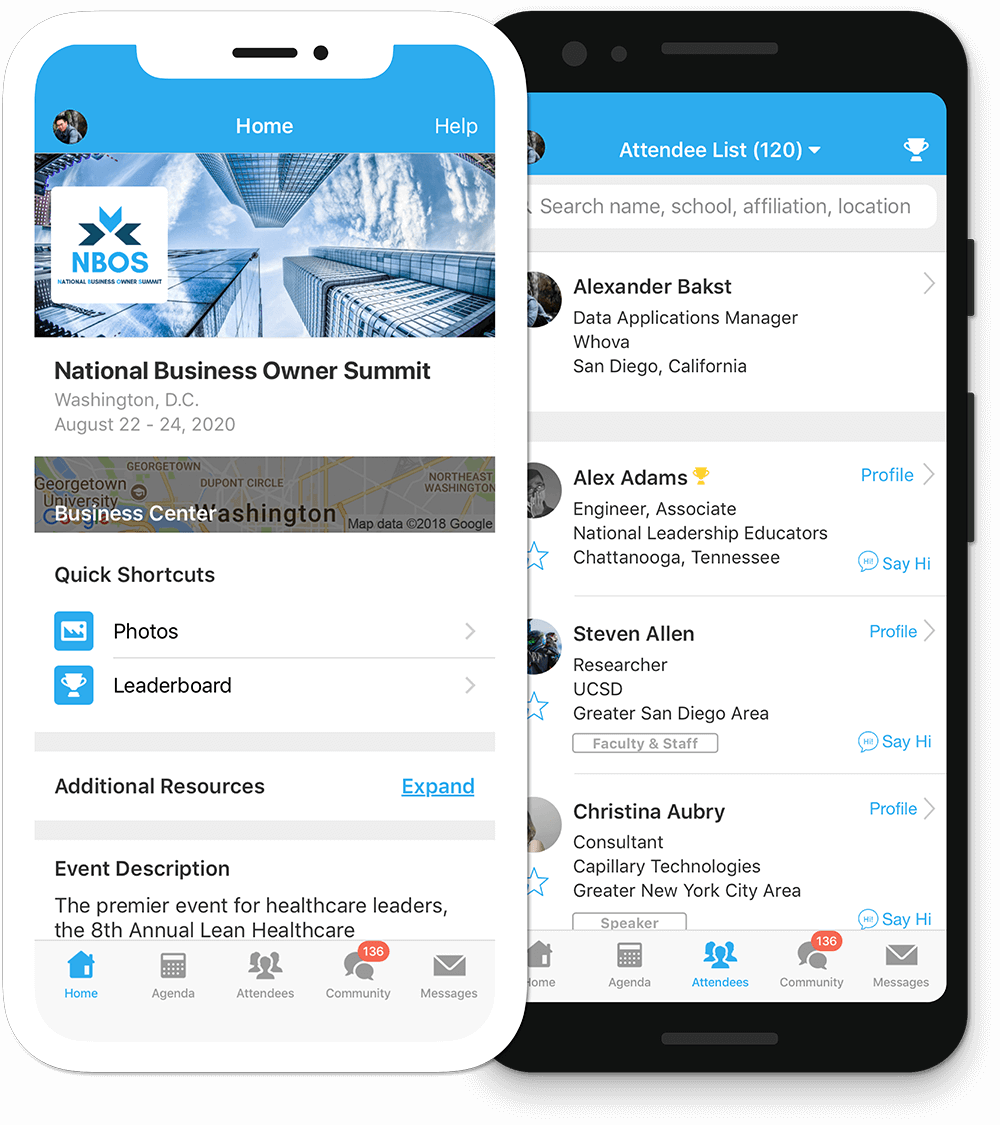
Get the most out of the app and have a more productive experience!
1
NAVIGATE the event agenda and logistics, even without Wi-Fi or data. Access useful information like ridesharing and local attractions through the Community Board
2
NETWORK effectively. Plan whom to meet by exploring attendee profiles and sending out messages
3
PARTICIPATE in event activities through session likes, comments, ratings, live polling, tweeting, and more
For Blackberry or Windows Phone, Click here
For feature details, visit Whova