Jump to HeaderJump to Main ContentJump to Footer
Michigan State University
Muslim Mental Health Consortium
  • Visit the MMHC Store
  • Donate
  • Join Our Newsletter
  • Help

Department of Psychiatry

Muslim Mental Health Consortium

  • About
    • Purpose, Vision, & Mission
    • Leadership & Experts
    • Past Conferences
  • |
  • Attend
    • MMHC 2026
    • Registration
    • Agenda & Program
    • Plan Your Visit
    • Continuing Education
    • Whova App
    • Registration FAQ
  • |
  • Presenters
    • Abstract Submission
    • Presenter Requirements
    • Presenters FAQ
  • |
  • Sponsors & Exhibitors
    • Become a Sponsor or Exhibitor
    • Donate
    • Policies & Guidelines
    • Sponsors & Exhibitors FAQ
  • |
  • MMH Book
    A photo of the Muslim Mental Health in North America book with title reading "New Book Release"

    Available for Purchase

    Buy the Book Online
  • |
  • Need Help?
    • FAQ
    • Contact Us
Muslim Mental Health Consortium

Department of Psychiatry

  • About
  • Attend
  • Presenters
  • Sponsors & Exhibitors
  • MMH Book
  • Need Help?

< About

  • Purpose, Vision, & Mission
  • Leadership & Experts
  • Past Conferences

< Attend

  • MMHC 2026
  • Registration
  • Agenda & Program
  • Plan Your Visit
  • Continuing Education
  • Whova App
  • Registration FAQ

< Presenters

  • Abstract Submission
  • Presenter Requirements
  • Presenters FAQ

< Sponsors & Exhibitors

  • Become a Sponsor or Exhibitor
  • Donate
  • Policies & Guidelines
  • Sponsors & Exhibitors FAQ

< MMH Book

A photo of the Muslim Mental Health in North America book with title reading "New Book Release"

Available for Purchase

Buy the Book Online

< Need Help?

  • FAQ
  • Contact Us
  • Visit the MMHC Store
  • Donate
  • Join Our Newsletter
  • Help
Muslim Mental Health Conference > Attend MMHC >

Whova

MMHC 2026

  • Registration
  • Program
  • Plan Your Visit
  • Continuing Education
  • Whova App
  • Register

Whova Conference App

The 18th Annual Muslim Mental Health Conference will use an online platform called Whova for our event. All conference attendees will need to use the app to check in and can access features such as a digital agenda and a variety of netowrking tools!

Here are just some of the things you can do with Whova:
  • View the agenda and plan your personal schedule
  • Access documents and slides shared by organizers or speakers
  • Find who else is attending this event and reach out to people ahead of time
  • Plan social activities such as a morning run, coffee hours, or meet-ups with fellow attendees. You can even post job openings.
  • Receive updates such as last-minute session changes from the organizers


Michigan State University

MSU Resources

  • A to Z Index
  • Find People
  • Tech Support
  • Counseling & Psychiatric Services (CAPS)

Contact MMHC

517-353-4349

Address

Michigan State University East Fee Hall Room A239B 965 Wilson Road East Lansing, MI 48824

Email

Psychiatry.MMH@msu.edu

Contact Us

Follow Us

  • Visit our Facebook page
  • Visit our page on X
  • Visit our Instagram page
  • Visit our YouTube page

If you're having accessibility issues, please let us know.

Michigan State University
  • Contact Information|
  • Site Map|
  • Privacy Statement|
  • Site Accessibility|
  • Call MSU: (517) 355-1855|
  • Visit: msu.edu|
  • Notice of Nondiscrimination|

SPARTANS WILL|© Michigan State University|

How to Access MMHC in Whova

After registering for the conference, you will receive an invitation email from a member of our team with instructions and a download link to join the 18th Annual Muslim Mental Health Conference event in Whova.

  • The Whova invitation email will be sent to the email address you provided to purchase your registration
  • It may take up to 5-10 business days to receive your invitation email
  • Already used the Whova app in the past? Double-check that it is installed on your phone and log in using your existing account email and password.

If you need more guidance on how to use Whova to attend the event, please visit Whova User Guides or check out our FAQ Page.

You can Download the Whova Mobile App any time using the buttons below or access it from the Web Platform on desktop.


Get our official event app,
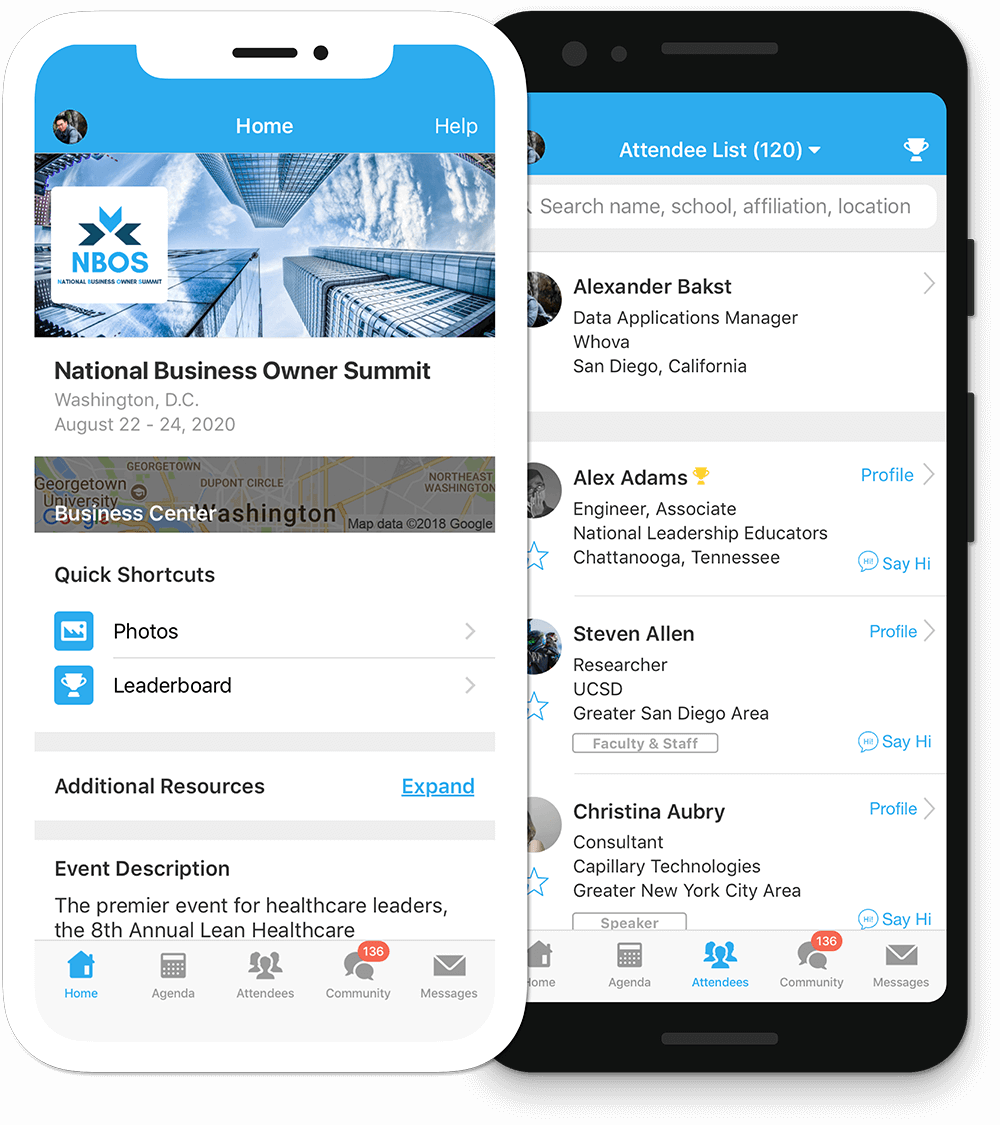
Get the most out of the app and have a more productive experience!

1

NAVIGATE the event agenda and logistics, even without Wi-Fi or data. Access useful information like ridesharing and local attractions through the Community Board

2

NETWORK effectively. Plan whom to meet by exploring attendee profiles and sending out messages

3

PARTICIPATE in event activities through session likes, comments, ratings, live polling, tweeting, and more

iOSAndroid
For Blackberry or Windows Phone, Click here
For feature details, visit Whova